Other income, PAYE and your tax estimate
Adding a job, rent or another trade, entering the tax already taken off your payslips, and how it changes your figures.
Last checked 12/09/2026.
What it is
Money you earn outside the driving: a job, rent, another trade you run. HMRC taxes all of it together on one return, so a tax estimate that only knew about the driving would be wrong for anybody with a second income.
Where to find it
It is the Other income half of the Money tab, and Add other income in the menu beside Start shift. Add a source first, such as "Warehouse" or "Room rent", then add an entry for each payment.
The four kinds
| Kind | How JoltMile treats it |
|---|---|
| Self-employed work | Another trade. Income tax and Class 4 National Insurance, and it counts towards Making Tax Digital. |
| Property or rent | Income tax but no Class 4, because rent is not a trade. Counts towards Making Tax Digital. |
| A job (PAYE) | Income tax on the gross pay, with the tax already deducted taken off at the end. No Class 4. |
| Something else | Dividends, a pension and the like. Tracked, but left out of the estimate, because they have their own tax rates. |
Entering a job
Enter each payslip as one entry: the pay before tax and National Insurance, and the tax taken off it. The tax figure is required, and £0.00 is a real answer if none was taken.
PAYE works on the whole year so far, so after a lighter month a payslip can hand tax back rather than take it. Pick Refunded beside the figure for those. On your P60 the year's total is the "tax deducted" figure.
What it changes
- Estimated tax. Worked out on everything together. The job uses the personal allowance first, so more of the driving profit is taxed, and the PAYE tax already paid comes off at the end. Below zero means HMRC owes you.
- The personal allowance ring. Counts the other income alongside the driving profit, whichever view you are on.
- Self Assessment. Adds the lines for your whole position: the tax on everything, the PAYE credit, and what is left to pay or owed back. See the Self Assessment screen.
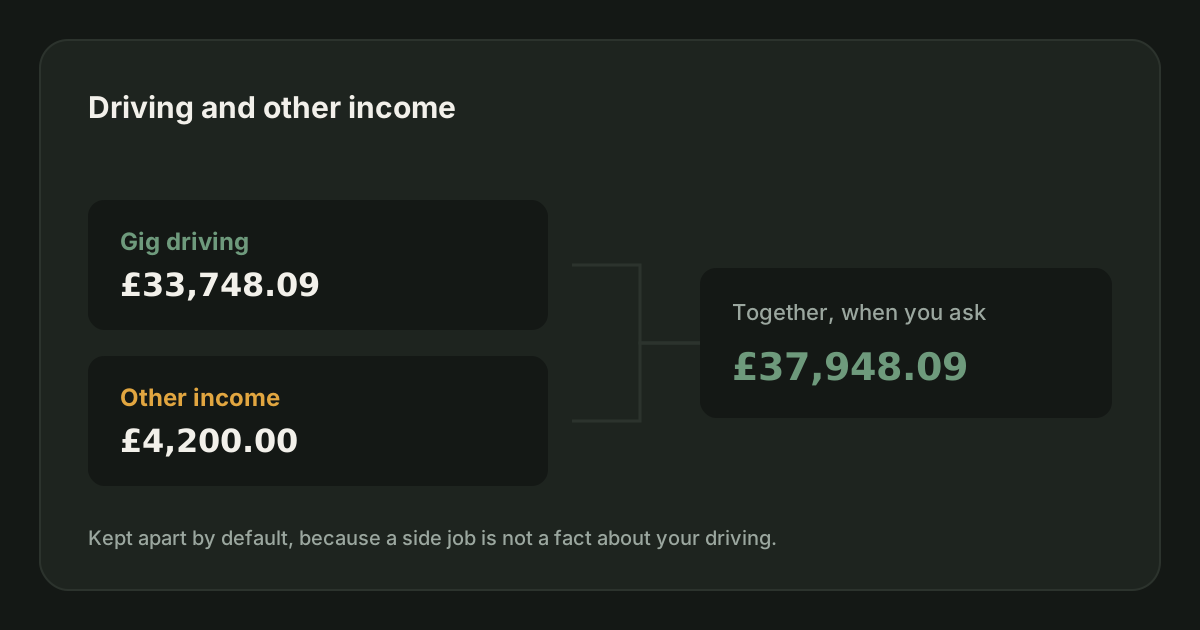
- Earnings. Nothing, until you ask. The page opens on your driving. Pick All Earnings from the menu at the top to add the other income into gross, take-home and current balance, or pick one source to see it on its own. See which earnings.
Your hourly rates never include other income. They are about the driving, and a salary paid for hours JoltMile knows nothing about would make them meaningless.
Mistakes to avoid
- Entering take-home pay for a job. Use the gross figure and the tax separately, or the tax is counted wrong twice over.
- Switching the personal allowance off as well. The job already uses it, and switching it off takes it away a second time.
- Leaving the tax deducted blank on an old entry. The credit is only as complete as the figures behind it.
Related
How JoltMile estimates your tax
Income tax and Class 4 National Insurance on your running profit, using the 2026/27 bands.
HMRC & taxUpdated 29/09/2026
Self Assessment
Self Assessment is the system HMRC uses to collect tax from people whose tax is not taken at source. You report your income and costs once a year and pay what falls out, by 31 January.
HMRC & taxUpdated 27/08/2026
Reading your Earnings tab
What the big number is, what the two rings mean, and how This month and This week differ from your year to date.
Earnings & profitabilityUpdated 29/09/2026
Tax when you have a PAYE job as well
You get one personal allowance across all your income, and your job has usually used it. That means delivery profit is often taxed from the first pound, at whatever band your total income reaches. You file one return covering both, and you do not pay twice.
HMRC & taxUpdated 27/08/2026
Riding for Deliveroo: the full guide
How Deliveroo works for a rider: what you need to join, how each fee is worked out, the pay floor agreed with the GMB union, when the money arrives, the insurance Deliveroo gives you for free, and the parts that are left to you.
Getting startedUpdated 29/09/2026
Delivering for Uber Eats: the full guide
How Uber Eats works for a courier: signing up, how each delivery is paid, Quests and batched orders, the weekly pay cycle and the two ways to cash out early, the free Allianz cover, Uber Eats Pro, and the tax side.
Getting startedUpdated 29/09/2026